
A trade journal for stock traders

Plan, log, andreview every trade.

Keep your plan, trade notes, and performance review together in one focused app.
Start without an account Your journal stays on your device iPhone and iPad
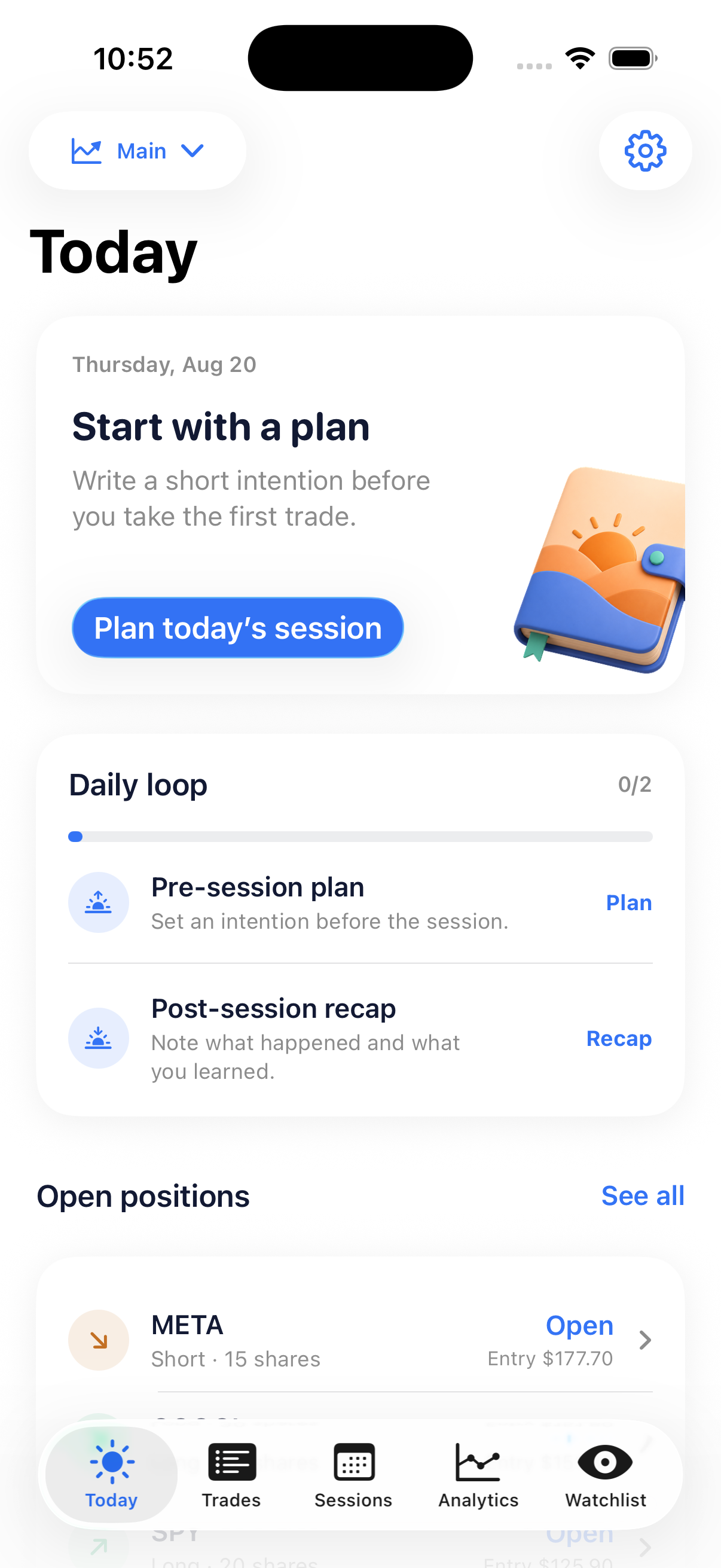
Trade Journal Falcon Today screen showing the daily loop

Keep the reason behind every trade.

Trade Journal Falcon follows the session from plan to review.

Before3D morning plan icon

Set a plan before the session.

Write your bias, symbols, levels, and rules while the decision is still clear.

During3D trade log icon

Record the setup and execution.

Capture the details that explain the result without turning the moment into paperwork.
After3D recap icon

Review while the day is fresh.

Leave a short note that helps you make the next decision with better context.

Review the work, not just the result.

Use the same context to plan, record, and understand the trades you make.

Today

Plan the day before you trade.

The Today view keeps your plan, trade day, and review together so you know what needs attention next.

  • Write your bias, symbols, mood, and rules
  • Link the session to its trades
  • See what needs follow-up
Today screen from the Trade Journal Falcon iOS app
3D morning plan icon

Trade journal

Keep the reason with the result.

Record the setup while it is fresh, then review it with the outcome in the same place.
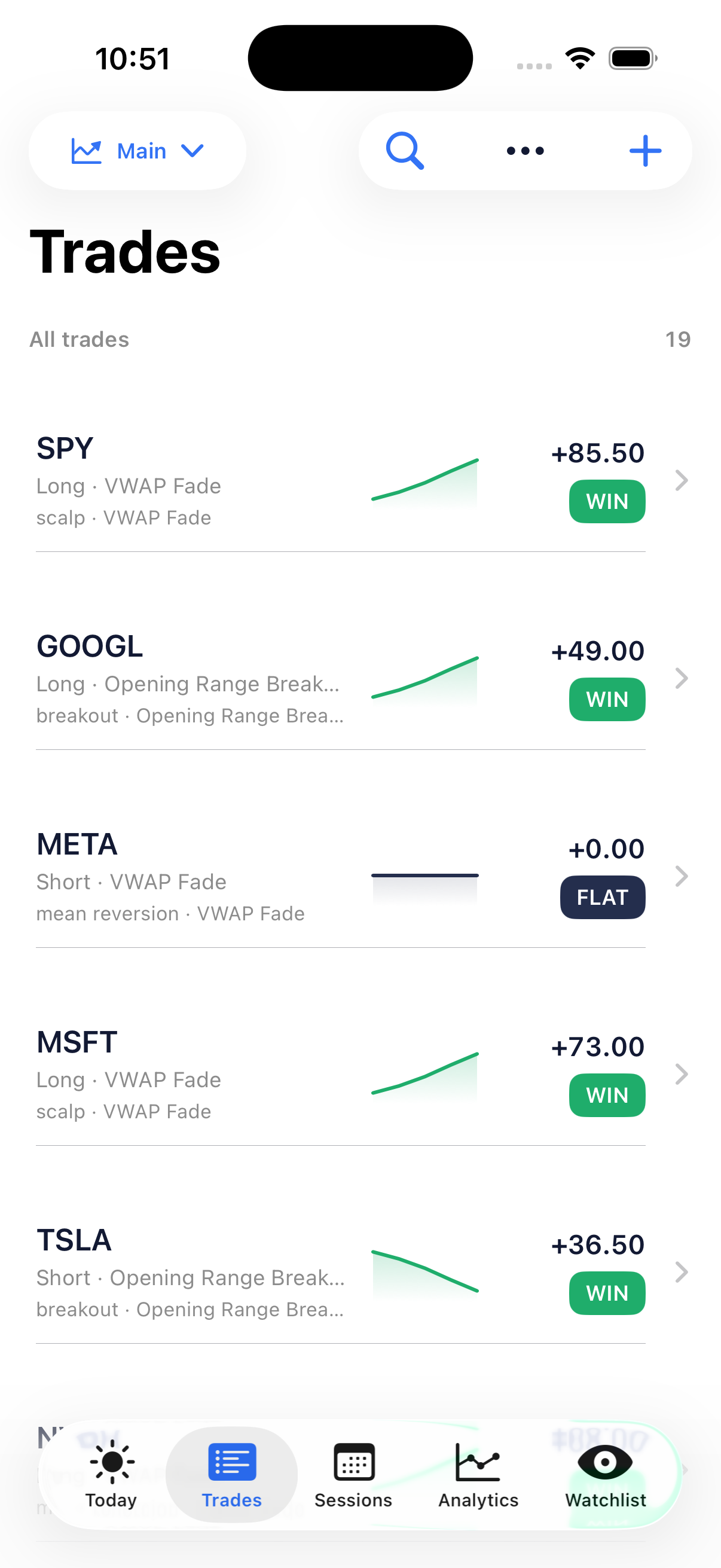
  • Direction, size, prices, timing, and fees
  • Notes, tags, ratings, rules, and screenshots
  • Adds and partial exits in a clear timeline
Trades screen from the Trade Journal Falcon iOS app
3D trade log icon

Analytics

See where your process breaks down.

Review the numbers that explain your process, from equity and drawdown to setups and time of day.
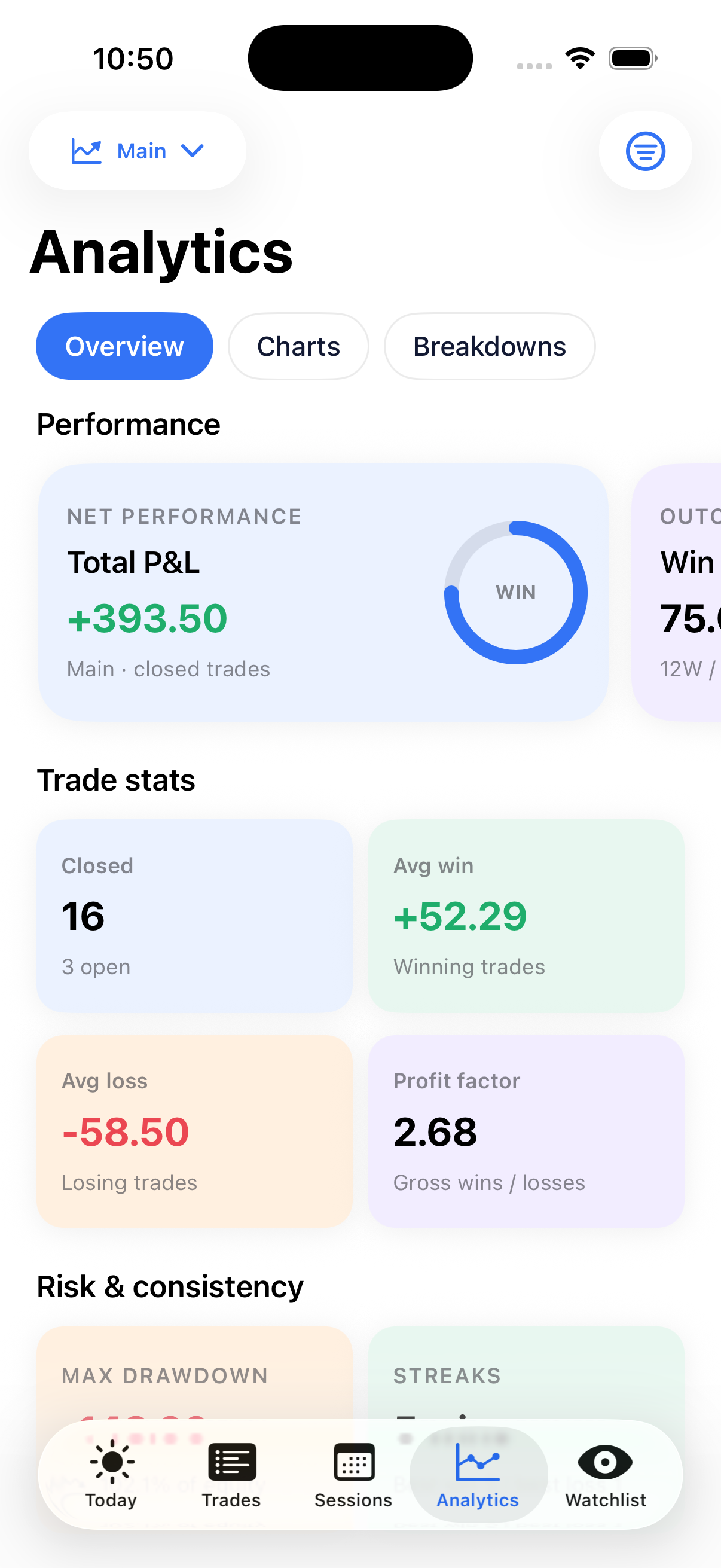
  • P&L, win rate, streaks, and profit factor
  • Expectancy, R-multiple, and drawdown context
  • Breakdowns by setup, tag, weekday, and session time
Analytics screen from the Trade Journal Falcon iOS app
3D analytics icon

Watchlist

Keep the symbols and notes that matter close.

A focused watchlist gives the next session a starting point without becoming another noisy feed.
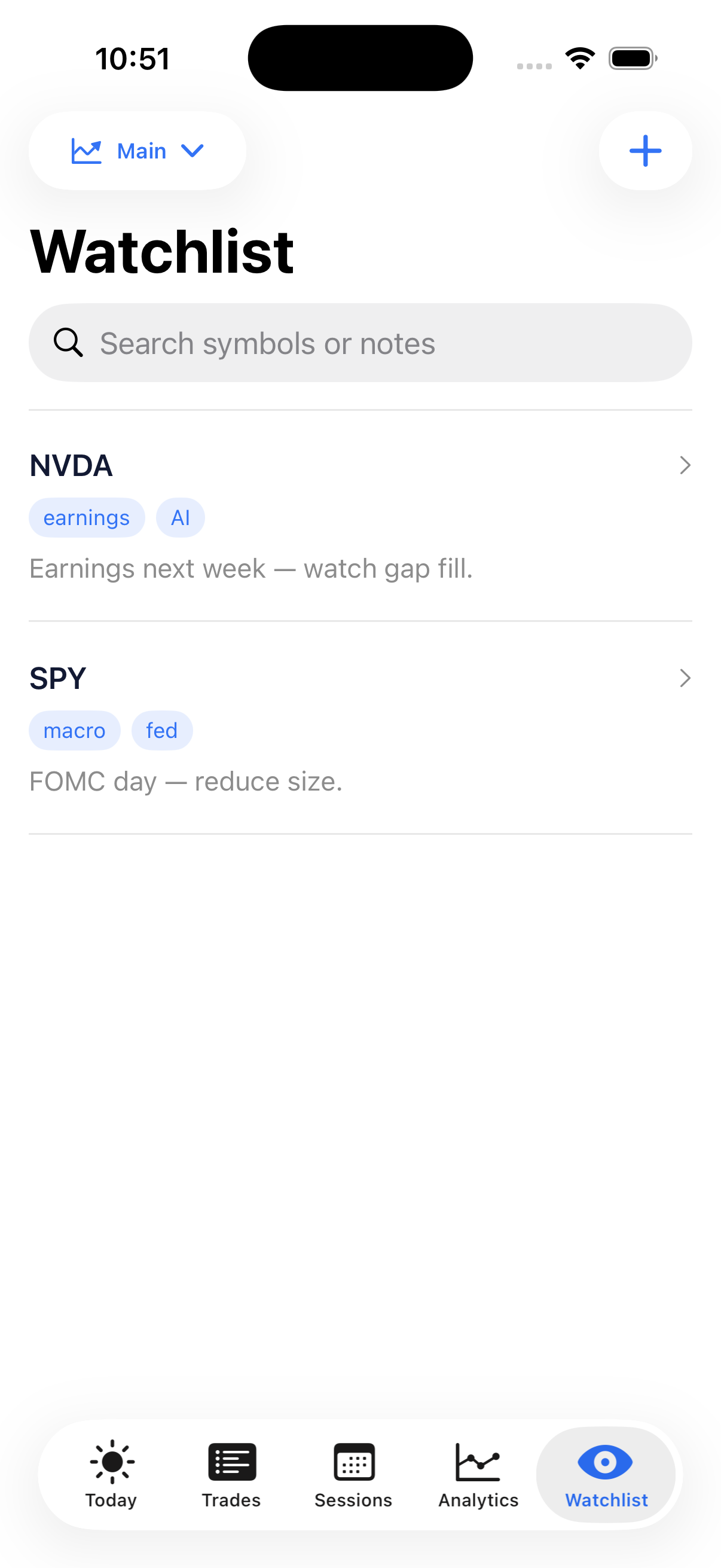
  • Notes for the symbols you follow
  • Tags for earnings, macro events, and more
  • Separate live and paper activity
Watchlist screen from the Trade Journal Falcon iOS app
3D watchlist icon

More tools when you need them.

Keep the journal focused. Add depth when it helps the review.

3D purple journal icon

Sessions

Plan before the session and recap after it.

3D all trades icon

Trade journal

Keep the setup, execution, and outcome together.

3D analytics icon

Analytics

Review patterns across your trading history.

3D watchlist icon

Watchlist

Track symbols, notes, and upcoming events.

3D playbook icon

Playbook

Pro on iOS

Save setups, rules, and examples for later.

3D trading accounts icon

Multiple accounts

Pro on iOS

Separate live and paper activity.

3D all trades icon

Import and export

Import supported CSV files and export your journal.

3D purple journal icon

Private by default

Keep data on your device with optional iCloud backup.

3D purple journal icon

Your journal stays yours.

Start without an account. Your trades and notes stay on your device, with optional iCloud backup, Face ID lock, reminders, and a quick-add widget.

On-device storageOptional iCloud backupExport when you need it
3D purple journal icon

Make the next trade easier to review.

Plan the session. Record the trade. Learn from the result.